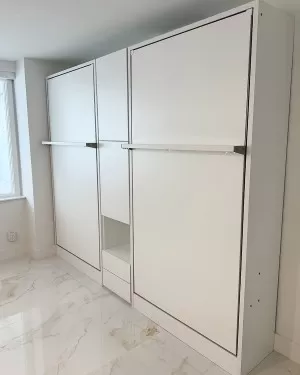

Royal Twin Headboard 1/2

Royal Twin Headboard 1/2 - view 1
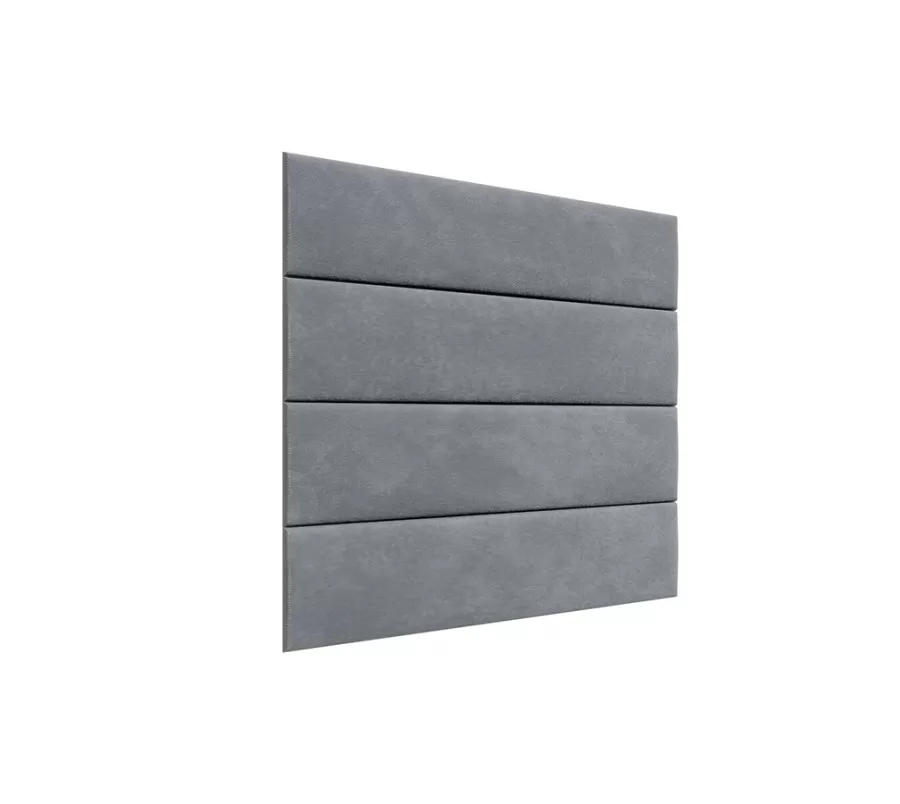
Royal Twin Headboard 1/2 - view 2
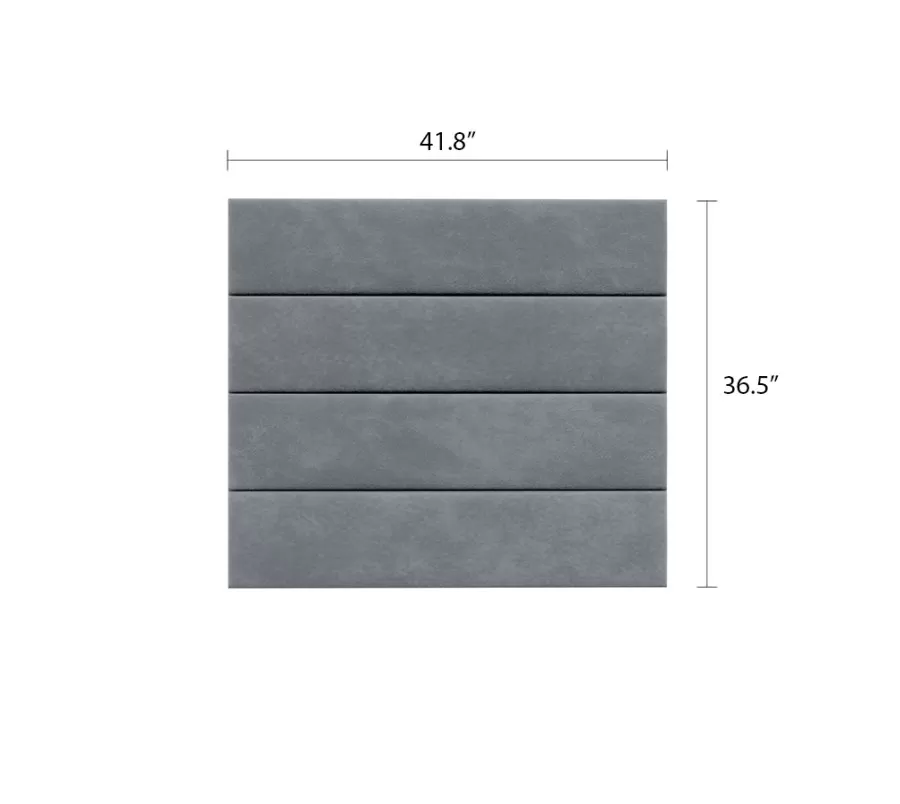
Royal Twin Headboard 1/2 - view 3
Royal Twin Headboard 1/2 - thumb - view 1
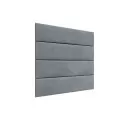
Royal Twin Headboard 1/2 - thumb - view 2
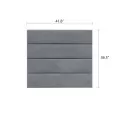
Royal Twin Headboard 1/2 - thumb - view 3
Royal Twin Headboard 1/2

Murphy Wall Bed Headboard Add-On

  • Availability: Ships 30 to 90 days
  • Model: A100T
$299.00
$16.61 /mo with 18 mos financing apply for Synchrony credit during checkout
Available Options
Option Color

When selecting the fabric for your sofa or headboard, please be aware that actual color and texture of the material may be slightly different from the swatch image on a web page.

Please visit Customer Photos page for more accurate representation of materials and colors.

Fabric

Short Description

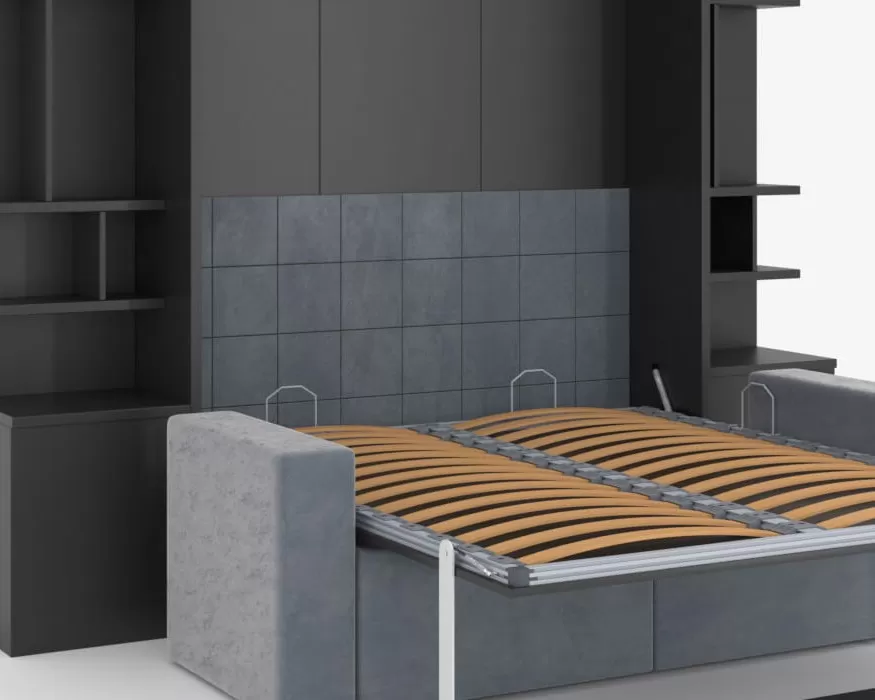
Make your wall bed look like a traditional bed by adding an upholstered headboard to the back wall of the cabinet. Made with luxurious textiles in variety of colors to complement your interior decor.

Murphy Wall Bed Headboard Add-On

  • Use 2 headboards to completely cover the back wall of the cabinet.
  • One headboard will cover the wall halfway, leaving the back panel exposed on the top.
  • Padded square stitched pattern for timeless modern look.
  • Available in multiple fabrics and colors to match Royal sofa.
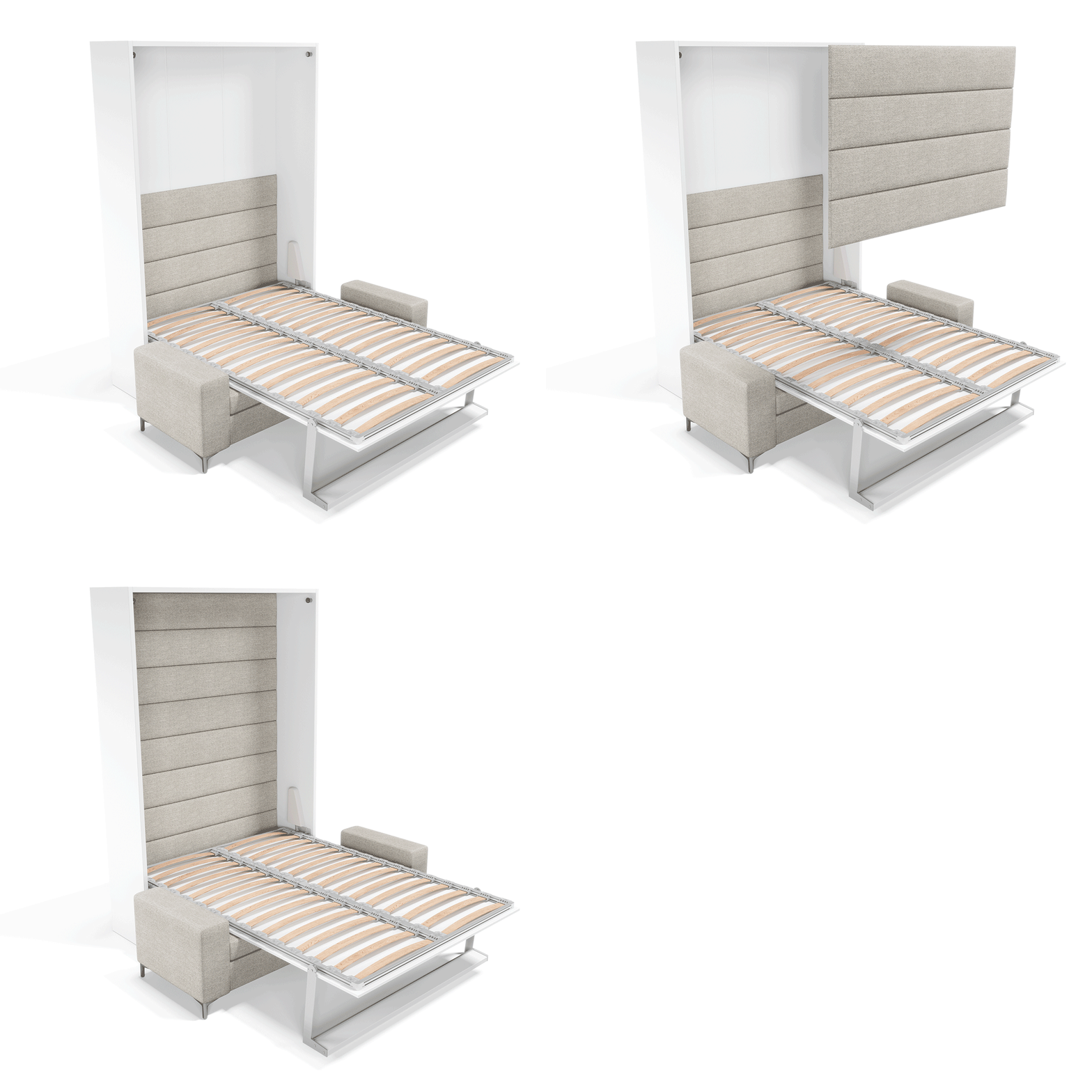
Milano cabinet accessories A100R

36.5” H x 41.8” W

White Glove Delivery and assembly is available in South Florida and Tri-State Area. Get a Quote

Design Ideas

All Departments
See how our space-saving furniture (Murphy beds, wall beds, bunks, and storage pieces) looks in real rooms. Use these design ideas to plan your own layout or as a starting point for a free design with our team.
You can build a full set around this Murphy bed with compatible side cabinets, wardrobes, shelves, and optional lighting. Some models also work with a matching sofa in front. If you’re not sure what fits your wall and ceiling height, start a free design and we’ll plan the kit for you.

We offer white-glove delivery and professional installation in many areas, or we can provide specs for your contractor or installer. Our team will confirm access, timing, and any building requirements before your order is scheduled. Learn more about delivery, prep, and install options on our white-glove service page.

Yes. Promotional financing is available on qualifying Murphy bed purchases through Synchrony, subject to credit approval and minimum monthly payments. You can review current plans, estimated monthly payments, and how to apply on our financing page.

You can see selected models and finishes in our Miami and New York City showrooms by appointment. A specialist will walk you through the mechanism, cabinet options, finishes, and pricing. Use our showroom calendar to schedule a visit that works for you.

Because Murphy beds are large, configured products, returns are subject to our terms and conditions. We recommend reviewing our full Murphy bed return and cancellation policy before placing your order. If you have questions, our team can walk you through the details.

Denise Heekin
3 weeks ago
Multimo did a great job. Love the new Murphy bed. The .. Multimo did a great job. Love the new Murphy bed. The fabricators and installers were great to work with and efficient.
Robins
a month ago
I had a very good experience with Multimo. I visited t.. I had a very good experience with Multimo. I visited the show room to double check the quality and I was impressed and it was a no brainer to order. Communication, quality and install service was great. I highly recommend them
Sankar Sadasivan
3 months ago
Good quality bed. Installation was smooth. I recommend.. Good quality bed. Installation was smooth. I recommend it
Kim Sardo
5 months ago
Dmitri Gordon
5 months ago
Everything was perfect and we love our new Murphy Bed... Everything was perfect and we love our new Murphy Bed. The delivery was excellent. The installation was great, thank you
<div id="customer-gallery"> <div class="module title-module module-title-1162"> <button aria-label="Edit" class="admin-edit" type="button" data-edit="module_layout/title/edit/1162"><em class="fa fa-pencil" data-placement="auto" data-toggle="tooltip-hover" data-tooltip-class="admin-edit-tooltip" title="Edit --MULTIMO-- Title / CTA / Gallery"></em></button> <div class="title-wrapper"> <div class="title-main"> <h3>Customer Photos</h3> </div> <div class="title-divider"></div> <div class="subtitle">See how our customers mix beds, cabinets, and sofas in their spaces. From studios to guest rooms, browse real installs and borrow ideas for your layout.</div> <div class="title-buttons"> <a class="btn title-btn-1" href="https://www.multimobeds.com/customer-photos" ><span>View all projects</span></a> </div> </div> </div> <div class="mgallery mgallery-ext-ablum" id="mgallery-product_gallery"> <div id="mggallery-product" class="gallery-grid swiper mg-stagger"> <div class="swiper-container"> <div class="swiper-wrapper"> <div class="swiper-slide auto-grid-items"> <a class="gallery-image" href="https://www.multimobeds.com/gallery-photos/royal-twin-twin-xl-wall-bed-with-wardrobe-customer-photo-247/gallery" aria-label="Open item: Royal Twin / Twin XL Wall Bed with Wardrobe"> <img src="https://www.multimobeds.com/image/cache/catalog/galleries/customer-photos/new_real_room/Royal-Twin-Twin-XL-Wall-Bed-with-Bookcase-and-Wardrobe-6-300x375w.jpg" data-src="https://www.multimobeds.com/image/cache/catalog/galleries/customer-photos/new_real_room/Royal-Twin-Twin-XL-Wall-Bed-with-Bookcase-and-Wardrobe-6-300x375w.jpg" srcset="https://www.multimobeds.com/image/cache/catalog/galleries/customer-photos/new_real_room/Royal-Twin-Twin-XL-Wall-Bed-with-Bookcase-and-Wardrobe-6-300x375w.jpg 1x" data-srcset="https://www.multimobeds.com/image/cache/catalog/galleries/customer-photos/new_real_room/Royal-Twin-Twin-XL-Wall-Bed-with-Bookcase-and-Wardrobe-6-300x375w.jpg 1x" width="300" height="375" alt="Royal Twin / Twin XL Wall Bed with Wardrobe - view 1" /> </a> </div> </div> </div> <!--div class="swiper-buttons"> <div class="swiper-button-prev"></div> <div class="swiper-button-next"></div> </div--> <div class="auto-carousel-buttons auto-carousel-controls"> <div class="auto-carousel-prev" role="button" tabindex="0" aria-label="Previous Gallery Images"><span></span></div> <div class="auto-carousel-next" role="button" tabindex="0" aria-label="Next Gallery Images"><span></span></div> </div> </div> </div> </div> </div> </div><!-- extra to close bottom div --> <script type="text/javascript"><!-- function patchMGallerySwiper() { const root = document.getElementById('mggallery-product'); if (!root) return; const container = root.querySelector('.swiper-container, .swiper'); // be flexible if (!container || !container.swiper) { // Instance not present yet, try again shortly return setTimeout(patchMGallerySwiper, 50); } const sw = container.swiper; // existing Swiper instance // 1. Update parameters // sw.params.spaceBetween = 20; // use internal spacing sw.params.slidesPerView = 'auto'; //sw.params.slidesPerGroup = 5; sw.params.slidesPerGroup = window.matchMedia('(max-width: 767px)').matches ? 1 : 5; sw.params.grabCursor = true; sw.params.preventClicks = true; sw.params.preventClicksPropagation = true; sw.params.loopFillGroupWithBlank = true; sw.params.resistanceRatio = 0.65; sw.params.speed = 600; // 2. Update navigation elements sw.params.navigation.nextEl = root.querySelector('.auto-carousel-next'); sw.params.navigation.prevEl = root.querySelector('.auto-carousel-prev'); // 3. Re-init navigation module with new selectors if (sw.navigation) { sw.navigation.destroy(); // remove old listeners sw.navigation.init(); // bind to new buttons sw.navigation.update(); } // 4. Apply grab cursor class if needed if (sw.params.grabCursor) { sw.setGrabCursor && sw.setGrabCursor(); } //sw.wrapperEl.style.gap = '20px'; // spațiul dorit //sw.wrapperEl.style.paddingRight = '20px'; // compensează la final ca să poți ajunge complet //sw.update(); // recalculează după modificare // 5. (Optional) prevent link click after drag let dragged = false; sw.on('touchStart', () => { dragged = false; }); sw.on('sliderMove', () => { dragged = true; }); root.addEventListener('click', e => { const a = e.target.closest('a.gallery-image'); if (a && dragged) { e.preventDefault(); e.stopPropagation(); dragged = false; } }, true); } // Run after load to ensure the theme’s script already initialized. window.addEventListener('load', patchMGallerySwiper); //--></script>